
References
References are existing materials the AI reads for context before it generates. A reference is a real Eraser file – it can contain a diagram, a document, or both. Unlike a template, a reference isn't filled out or copied; it's background knowledge the AI consults so its output reflects how your team actually does things.
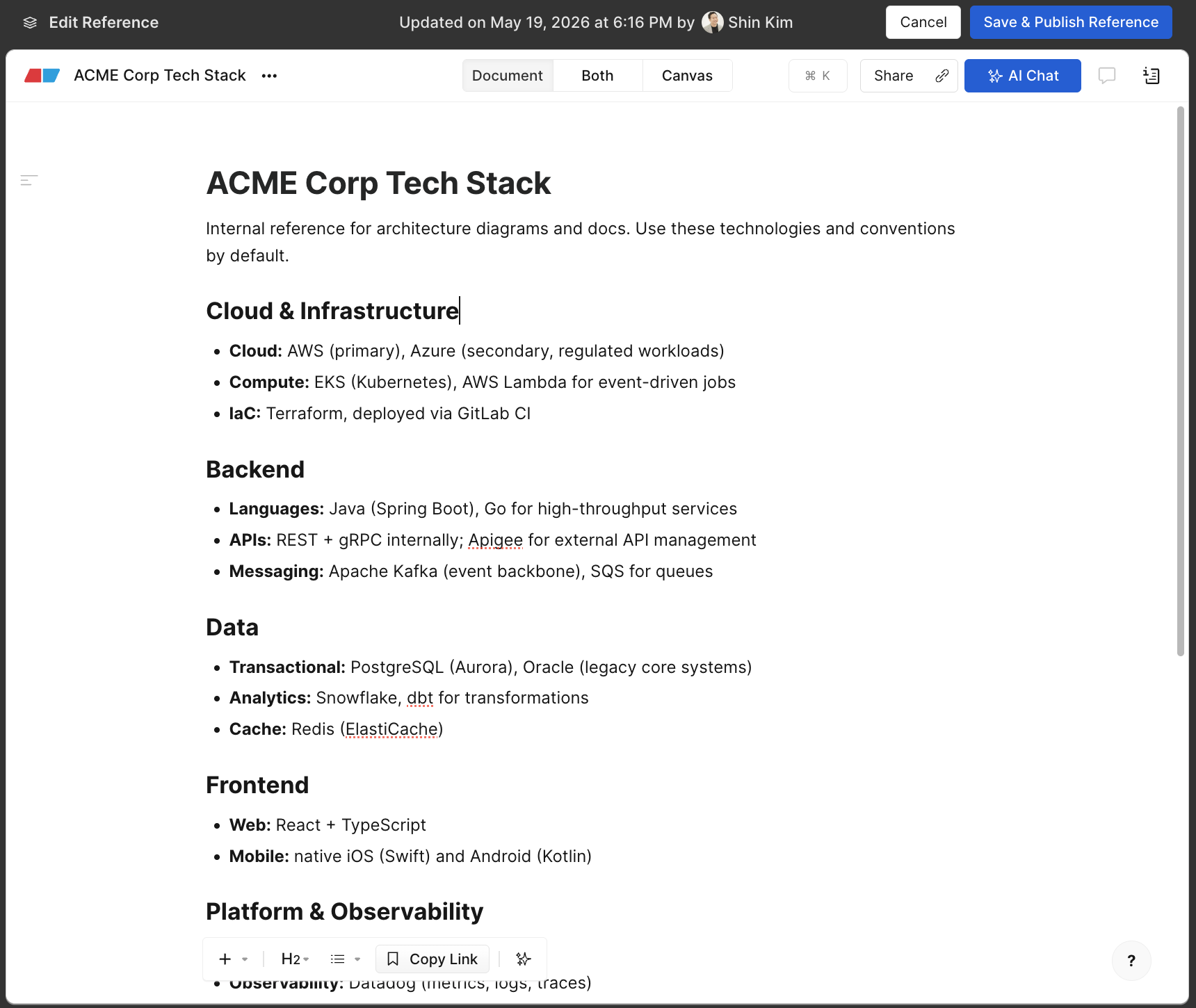
Use references to ground generation in your real environment and standards, for example:
- Tech stack – a document or diagram describing the services, languages, and infrastructure you use.
- Reference patterns — canonical diagrams the AI should imitate (e.g. "this is how we draw our event pipelines").
- Guidelines – written conventions for naming, structure, or terminology.
- Policies – security, compliance, or architectural rules captured as a document.
The richer your references, the more your generated output will resemble work your team has already produced.
Who can manage references
- Team admins add a reference to (or remove it from) a preset.
Managing references
References appear in the References tab of a preset. Each row shows the file name, who last published it, when, and its publish status.
Add a reference
- Author an Eraser file containing the diagram and/or document you want the AI to learn from.
- Publish it (see below) so a version exists for the AI to read.
- In the preset's References tab, add the file as a reference.
You can also create a brand-new reference file directly from the References tab.
Edit a reference
Open the underlying Eraser file and edit it like any other file. Your edits are not used by the AI until you publish again – see the warning below.
Remove a reference
Removing a reference from the References tab unlinks it from the preset. The underlying Eraser file is not deleted and remains available to your team.
Publishing references
References must be published to be usedThe AI reads the published version of a reference, not your latest in-progress edits. A reference you add but never publish will not be consulted. After you edit a published reference, you must publish again for the changes to take effect.
Each reference shows one of three publish states:
| Status | Meaning |
|---|---|
| Never published | The file has no published version yet – the AI cannot read it. |
| Pending review | The file was edited after its last publish – the AI still reads the older published version until you re-publish. |
| Published | The published version matches the current file – the AI reads the latest content. |
When you publish a new version, every preset that links the reference is automatically updated to point at it.
How references are used in generation
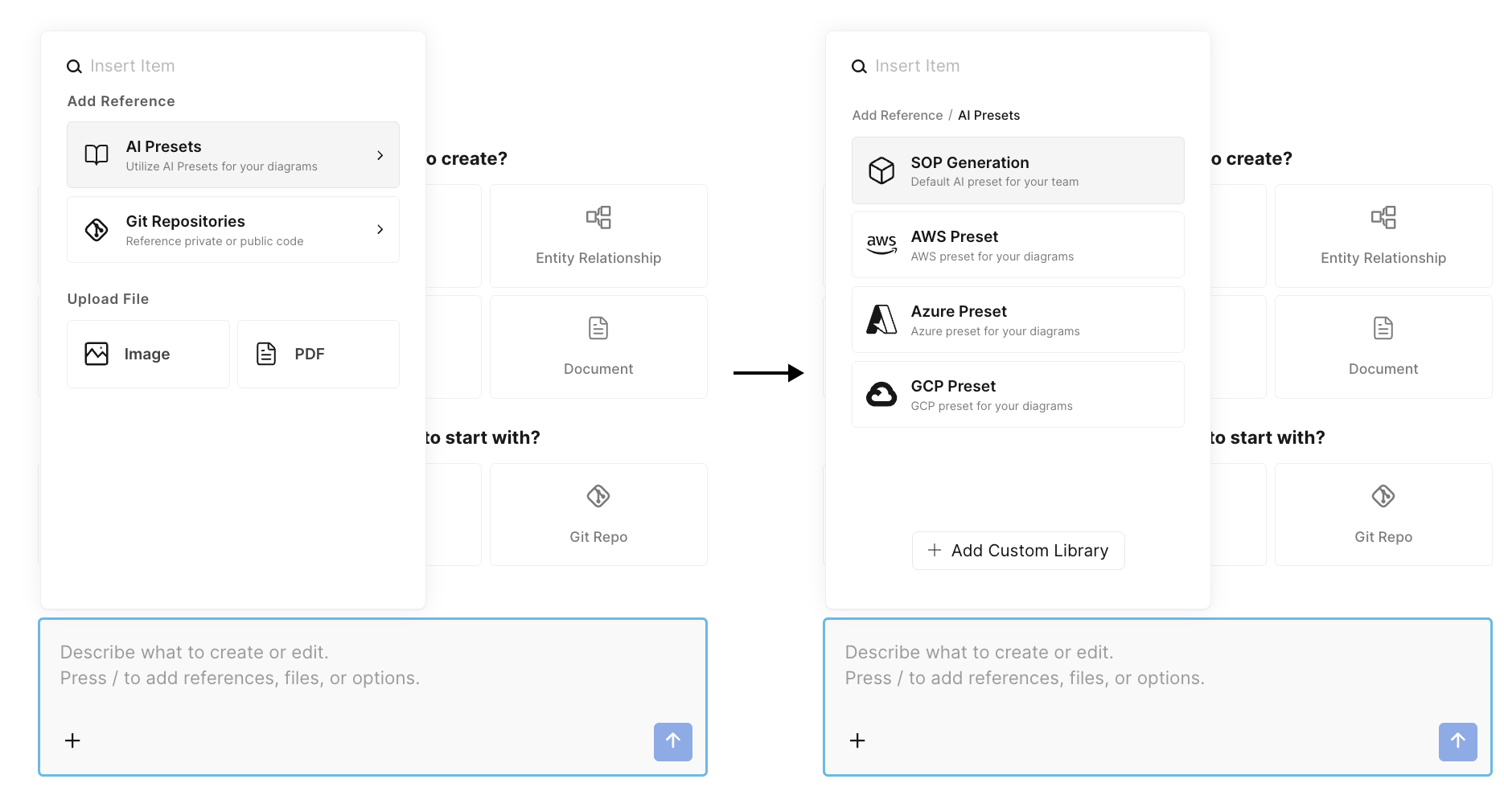
When you generate with a preset, Eraser looks at your request and selects the most relevant references from the preset – it doesn't dump all of them into every generation. The selected references are provided to the AI as examples and context to learn from, so the output matches your established patterns and information. If a reference isn't relevant to a given request, it simply isn't used that time.
Citations
When a generation uses this reference, Eraser cites it as a source, making it clear which materials informed the result.
Updated 16 days ago