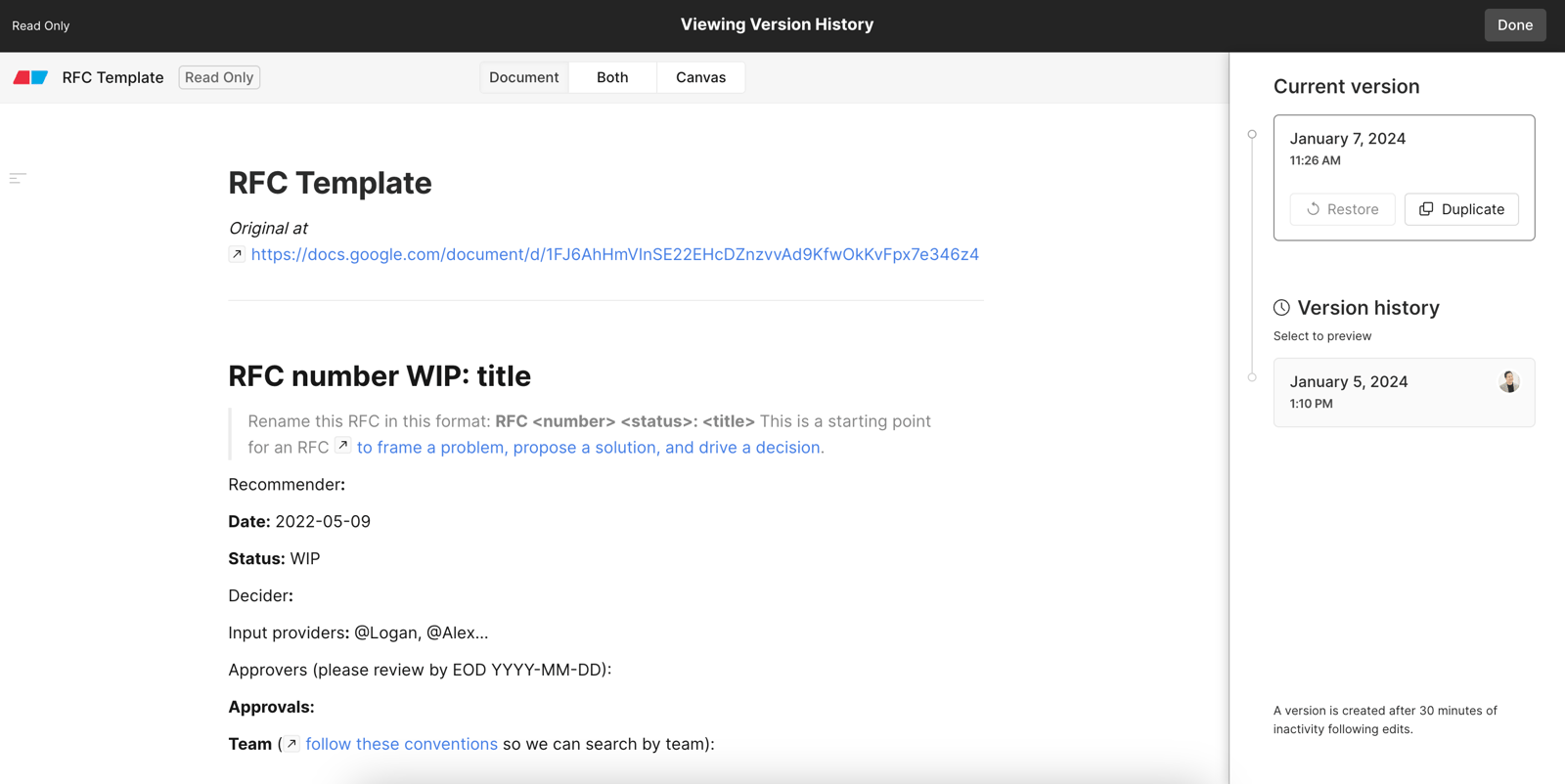
Version history
In an Eraser file, a version is created after 30 minutes of inactivity following edits, or when you save one.
Free Plan teams have access to 7 days of version history; paid plan teams have 90 days.
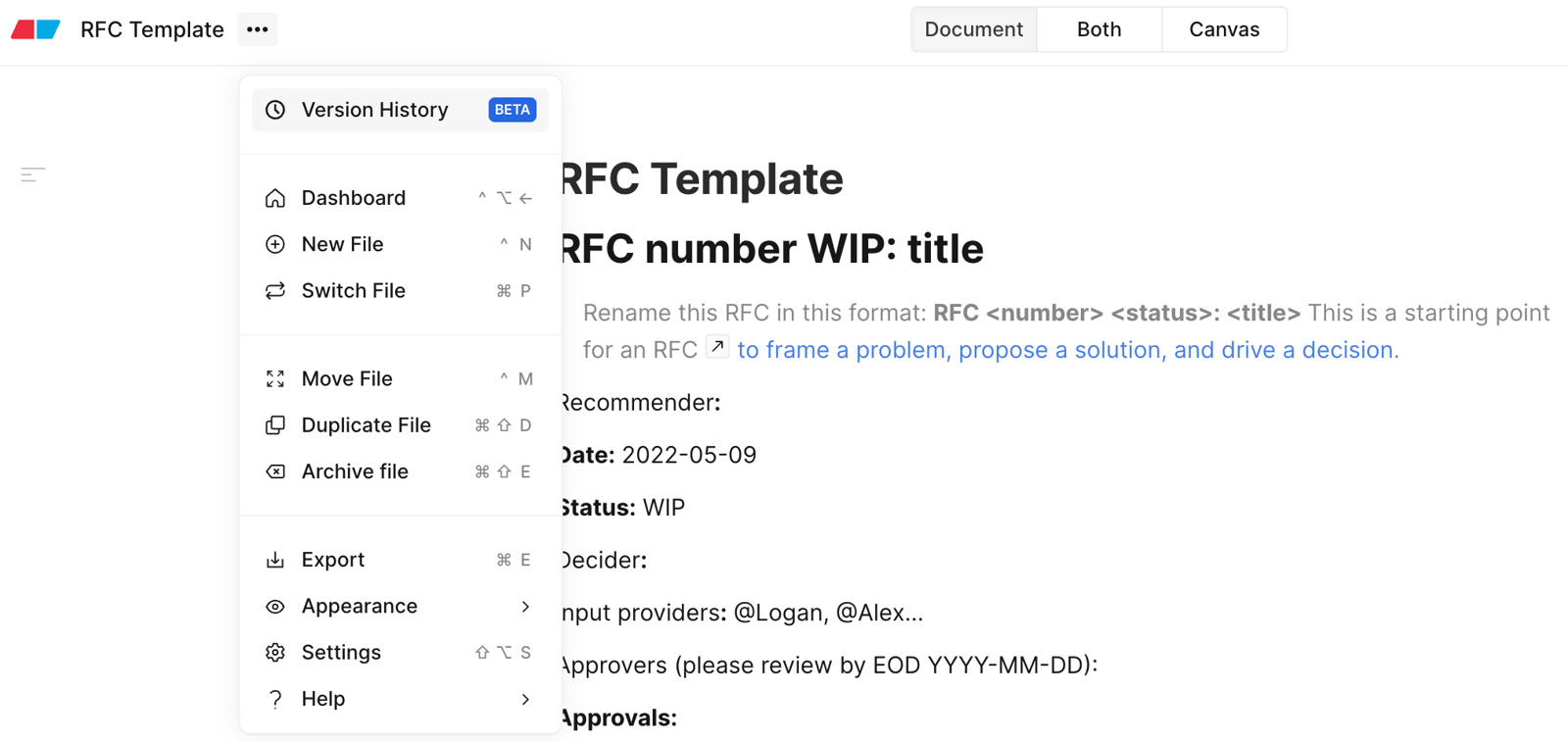
Opening version history
- Click on the 3-dot menu in the header next to the file name
- Click on version history
Save a version
Open version history and click Save version under Current version.
Restore or duplicate
Click on an older version in the right sidebar to preview a previous version. You’ll have the option to:
- Restore: Restore the file to an older version. The current state of the file will be committed as another version.
- Duplicate: Duplicate the older version as a new file and leave the current file as is.