Deleting files
In order to prevent accidental deletion of files, Eraser requires that files be first archived before they can be deleted.
Archiving Files
A file can be archived in one of the 3 following ways:
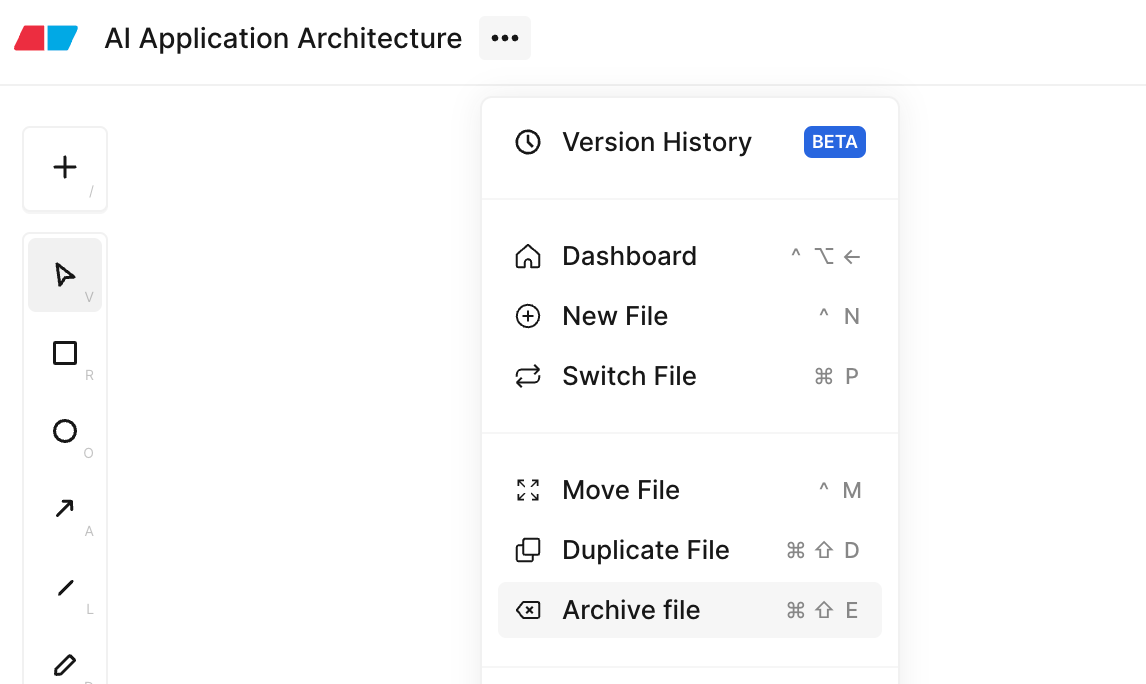
- Inside a file, click on the 3-dot button in the header, then select “Archive File”
- Inside a file, press
Cmd/Ctrl + Shift + E - On the dashboard, click on the 3-dot button on the right end of the file list, then select “Archive File”
Archived files can be found on the Archived page of the dashboard.