File-to-diagram
What is file-to-diagram?
Upload a file and Eraser AI converts it into an editable diagram – great for redrawing a screenshot, turning a legacy Visio/draw.io file, spreadsheet, or slide deck into a native Eraser diagram, or drawing what your Terraform describes.
How to use it
- Open the AI sidebar and upload a file – browse, drag in, or paste.
- Add an optional prompt, then generate.
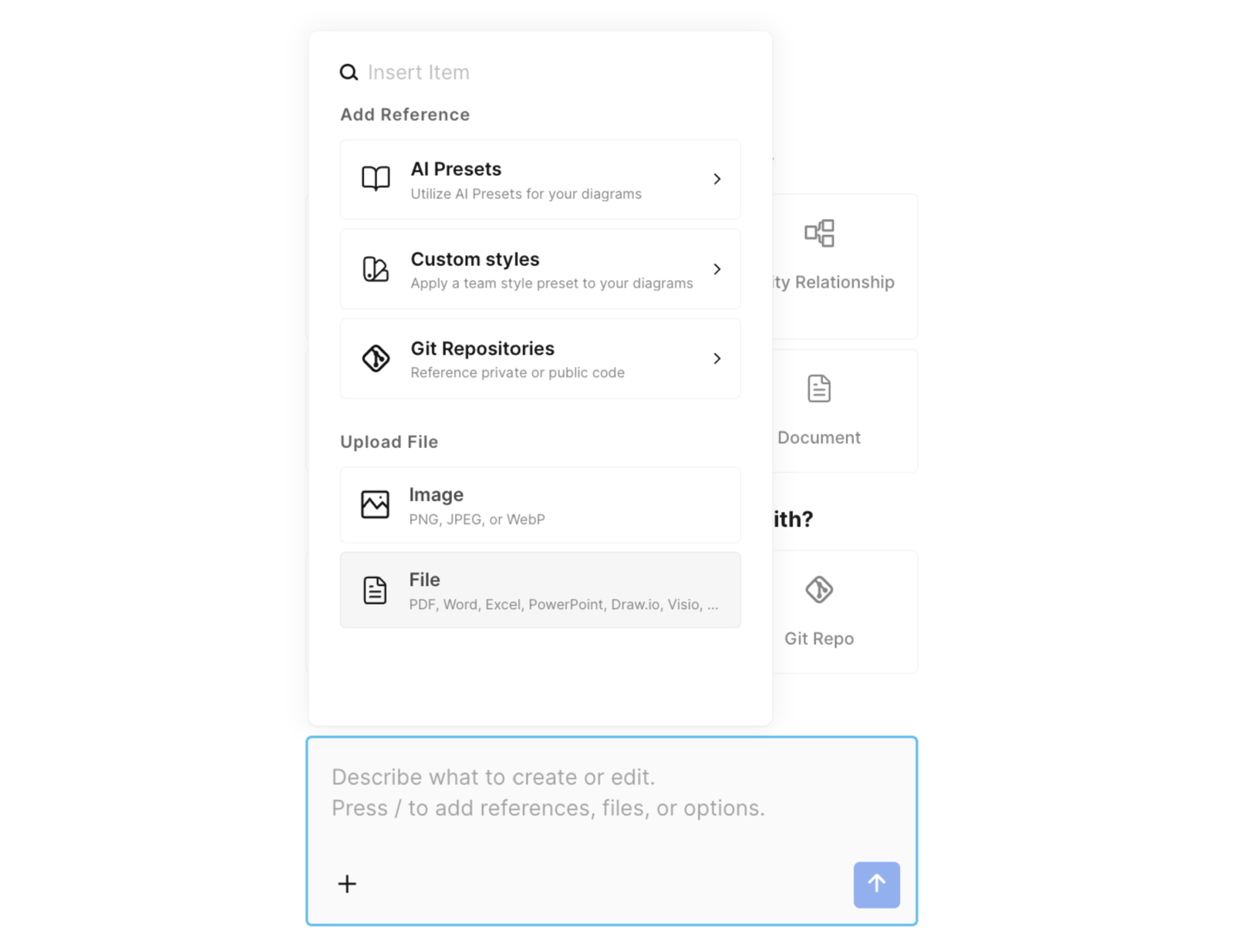
Supported file types
| Category | Formats |
|---|---|
| Images | PNG, JPEG, WebP |
| Documents | PDF, Word (.docx), Markdown (.md, .markdown) |
| Spreadsheets | Excel (.xlsx), CSV |
| Presentations | PowerPoint (.pptx) |
| Diagram files | Visio (.vsdx), draw.io (.drawio) |
| Code and config | JSON (.json), YAML (.yaml, .yml), Terraform and HCL (.tf, .hcl), Bicep (.bicep) |
| Terraform state | .tfstate, .tfstate.json |
Maximum 10 MB per file. Visio and draw.io files are converted into native, editable Eraser diagrams – not flat images.
Terraform state is summarized before it reaches the AI; other files are sent in full, so remove secrets first. .tfvars files aren’t accepted.