Verifying diagrams
Verify checks a freeform diagram against what it should match and lists every issue. It never changes the diagram.
Running a check
Select the diagram and click Verify in its toolbar. AI chat opens with “Verify this diagram” filled in – add a standard to check against if you like, such as “against AWS Well-Architected”, then send it. Each check uses 1 AI credit.
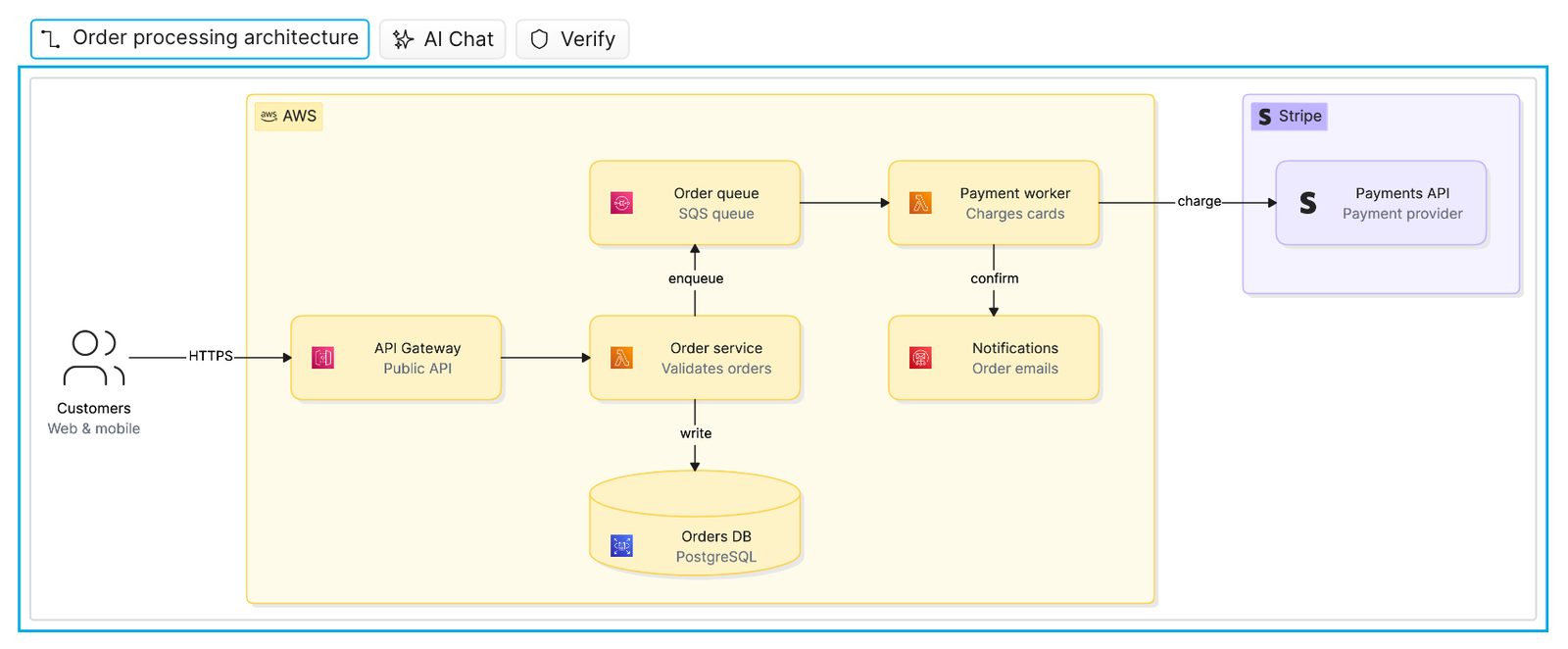
What it checks against
- The models the diagram’s elements are linked to, or that you attach
- Your AI preset and references
- The AI chats that built the diagram
- Any standard you name
If there’s nothing to check against, Eraser tells you what to add.
Reading the report
Click View N issues in the chat, or the issue count in the toolbar. Issues are grouped by source – hover over one to highlight it on the canvas. Re-run checks again, and Not an issue flags a wrong finding.
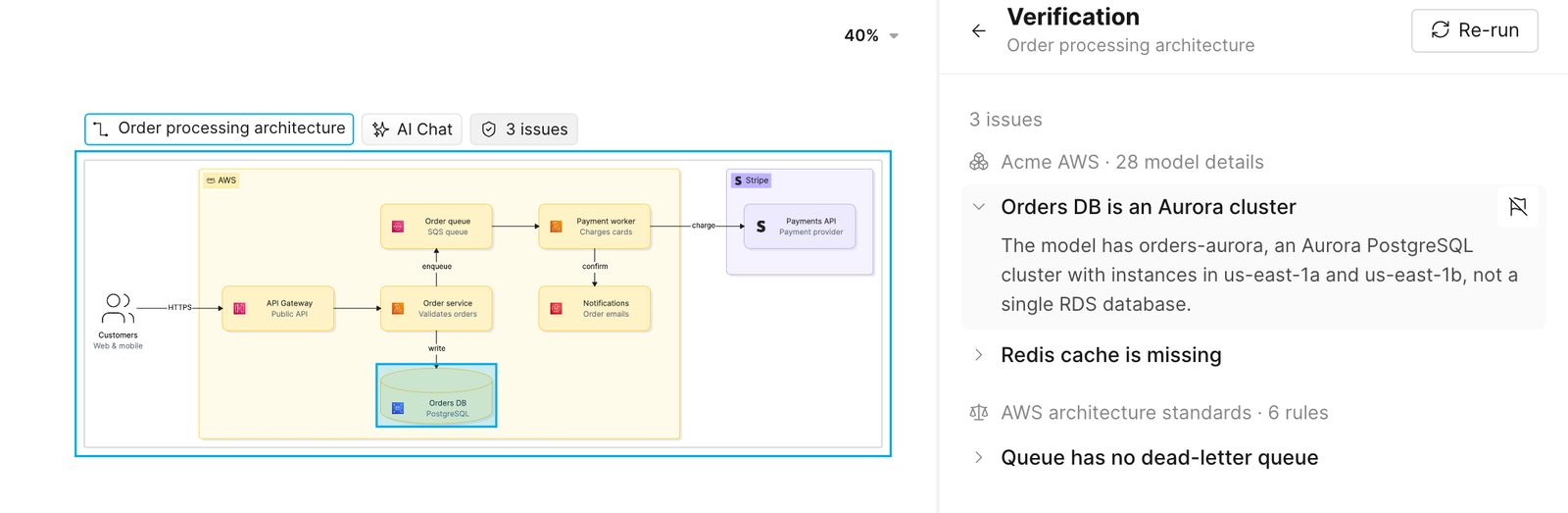
Team members who can edit the file can run checks. Anyone signed in who can open the file sees the latest report.