Presenting and sharing maps
Present
Switch between Edit and Present in the middle of the header. Present hides the editing tools and Eraser AI: click a box to go into its view, play a flow, or open the record behind a box.
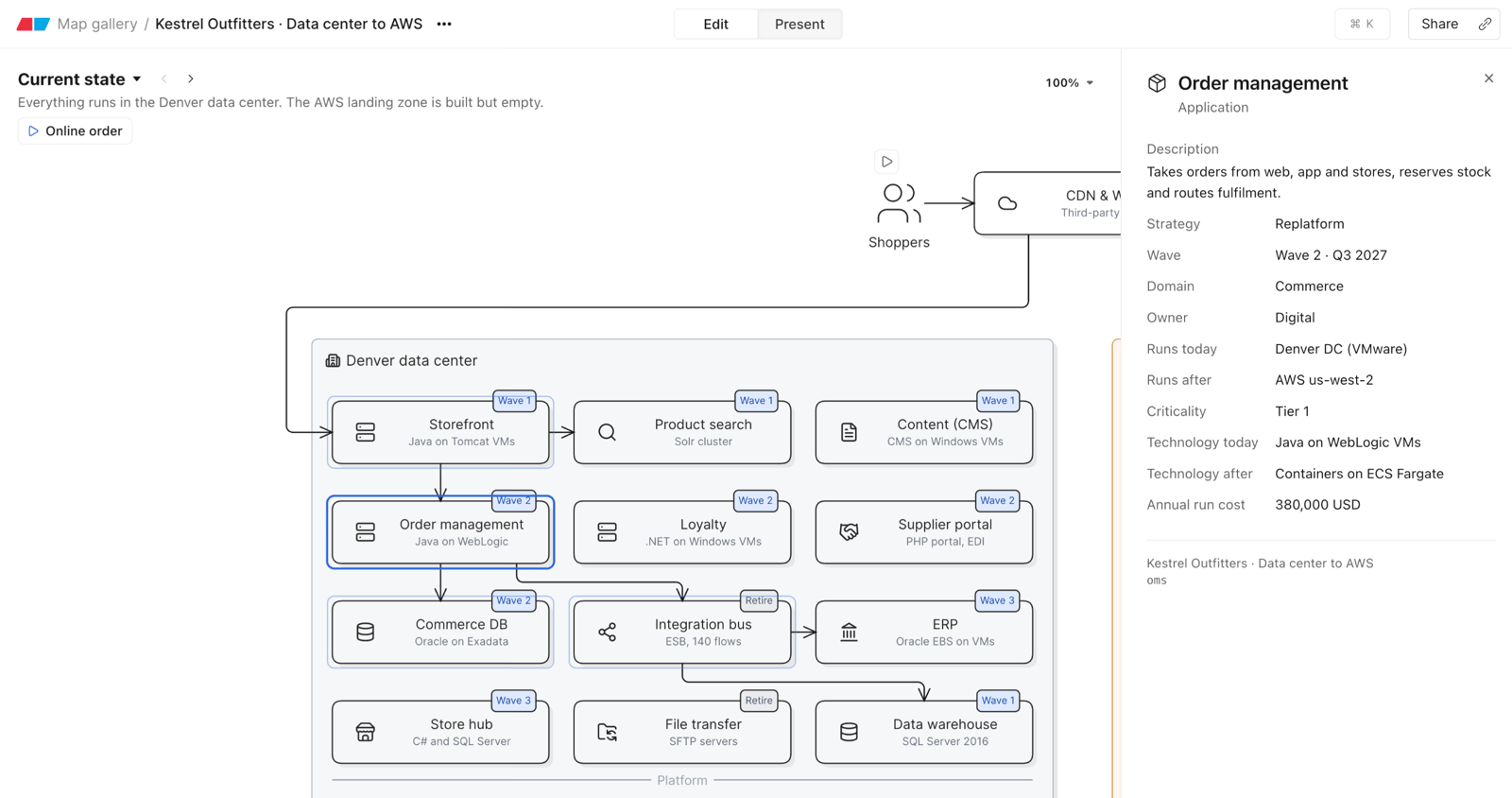
People who can edit a map open it in Edit. Everyone else – viewers, guests and anyone with a link – opens it in Present. Guests and people with a link see the records on the map, but not the models behind them.
Sharing
Share map has the same settings as a canvas file – see Sharing a file. To share one view, choose Copy link in its ⋯ menu; the map opens on that view.
Several people can edit a map at once, and viewers see changes as they happen. Undo only undoes your own changes.
Export
Open Map Options (the ⋯ beside the title) and choose Export. Export This view or All views as:
- Image – a PNG per view, in a ZIP when there are several
- PDF – a page per view
- HTML (interactive map) – the map as a page anyone can open in a browser
PDF, 2x and 3x images, and removing the Eraser watermark need a paid plan, as for canvas files. HTML export is on every plan.