Maps
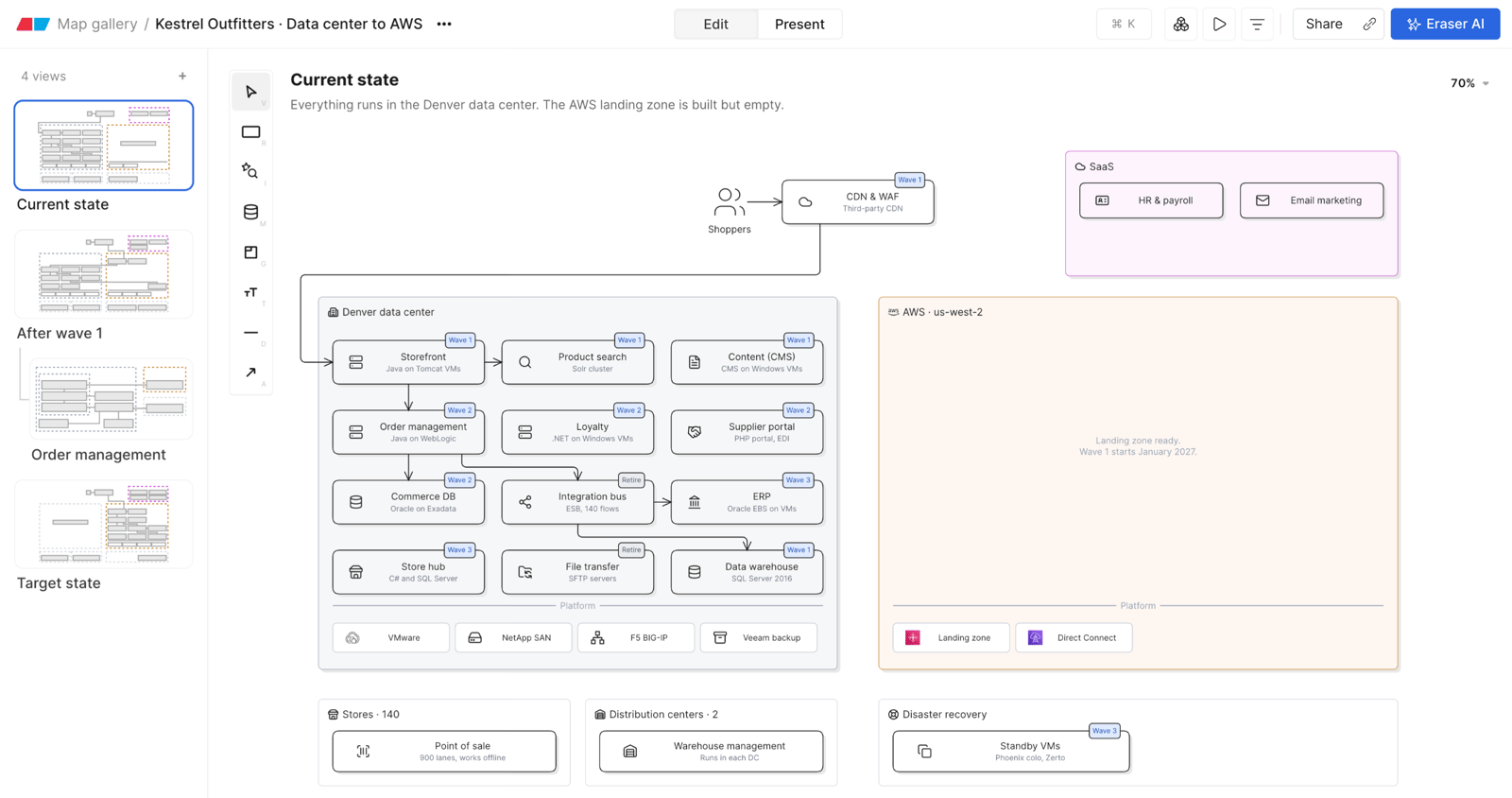
A map is a file of navigable views of your architecture, built by Eraser AI from your cloud, code, CMDB and spreadsheets. Start at the big picture and click into any system to go a level deeper.
Map files and canvas files
New file asks which kind to make:
- Canvas – a document and a diagram canvas side by side.
- Map – views of one architecture, drawn from your team’s models.
Both count toward your plan’s file limit.
What’s in a map
- Views – each shows one part of the architecture. A box can link to a deeper view.
- Records – a box can stand for a record in a model, and opens it.
- Filters – narrow a view by the fields of its records.
- Flows – step-by-step walkthroughs of a view, such as a request or a deployment.
See Views, filters and flows, and the map gallery for examples.
Edit and Present
People who can edit a map open it in Edit. Present is for reading it: click into systems, play flows and open records. See Presenting and sharing maps.